
Download SkypeCap – free Skype recorder, audio‑video capture tool
Overview
SkypeCap is a lightweight utility designed to capture every word and visual cue from your Skype conversations. Whether you need to archive a business meeting, preserve a cherished family call, or keep a record of an interview, SkypeCap offers an automated solution that starts recording the moment a Skype call begins and stops as soon as the call ends. The program supports a wide range of audio formats—including MP3, WMA, and AAC—so you can choose the file type that best fits your workflow.
Video calls are saved in popular containers such as QuickTime MOV, MPEG‑4, FLV, and even legacy formats like VOB, giving you flexibility when sharing recordings across different platforms. While the software isn’t completely free, it does allow recordings up to two minutes without charge, making it an ideal trial tool for occasional users. The interface is intentionally simple: a small equalizer visualizes sound levels, and a single “Save” dialog appears at the end of each session, prompting you to name the file and optionally convert it to another format.
Despite a minor installation glitch that some users have reported, SkypeCap remains a reliable, fully automatic recorder that works seamlessly on both Windows and macOS. If you’re looking for a secure, hassle‑free way to keep a permanent record of your Skype interactions, SkypeCap provides the essential features without overwhelming you with complex settings.
Key Features
- Automatic start/stop: Recording begins the instant you place a Skype call and ends when the call is terminated.
- Multiple audio formats: Export recordings as MP3, WMA, or AAC to suit any playback device.
- Broad video support: Save video calls as QuickTime MOV, MPEG‑4, MPEG, VOB, PSP MPEG‑4, SWF, or FLV.
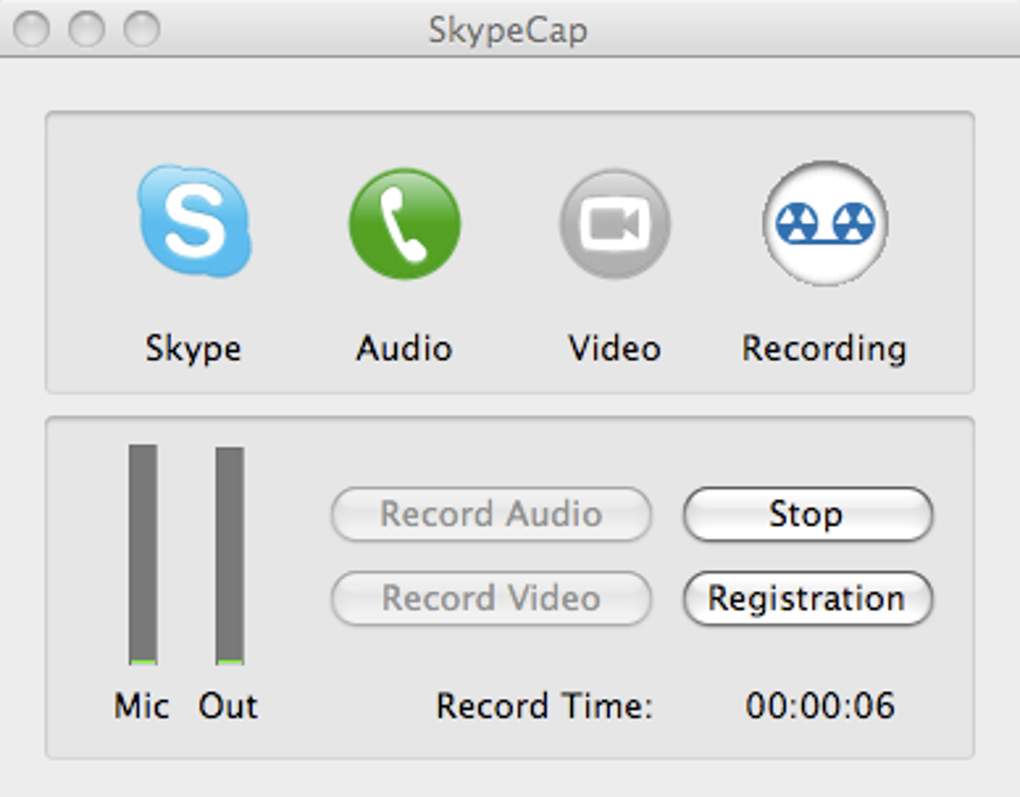
- Real‑time sound level meter: A small equalizer shows audio intensity, helping you monitor capture quality.
- One‑click conversion: After a call, the “Save” dialog offers instant conversion to another format without extra software.
- Two‑minute free tier: Record short calls without purchasing a license—perfect for quick tests or brief chats.
- Secure file handling: Recordings are stored locally on your computer, giving you full control over privacy.
- Lightweight footprint: The program runs in the background with minimal CPU and memory usage, ensuring your Skype experience stays smooth.
These features combine to make SkypeCap a practical choice for professionals, educators, and casual users alike. The automatic nature of the recorder eliminates the need for manual start‑stop actions, which can be especially useful during multi‑party conferences where attention is divided. By supporting both audio‑only and full‑video capture, SkypeCap ensures that you never miss a detail—whether it’s a spoken agreement or a screen share demonstration. The inclusion of a free two‑minute window also lets newcomers evaluate the software before committing to a purchase, reducing the risk of investing in a tool that doesn’t meet their expectations. Overall, the feature set is focused on reliability and ease of use rather than flashy extras, aligning with the needs of anyone who simply wants a trustworthy Skype recorder.
Installation & Usage Guide
Installing SkypeCap is straightforward on both Windows and macOS. Begin by downloading the installer from the official website. For Windows users, run the .exe file and follow the on‑screen prompts; macOS users will open the .dmg package and drag the application to the Applications folder.
During setup, you may encounter a generic error message—this has been reported by a small number of users but does not affect core functionality. Once installed, launch SkypeCap and grant it permission to access Skype when prompted. This permission is required because the recorder needs to hook into Skype’s audio and video streams.
After the initial configuration, using SkypeCap is almost invisible. When you start a Skype call, the recorder automatically detects the session and begins capturing. You’ll notice a subtle equalizer icon in the taskbar (Windows) or menu bar (macOS) indicating that recording is active.
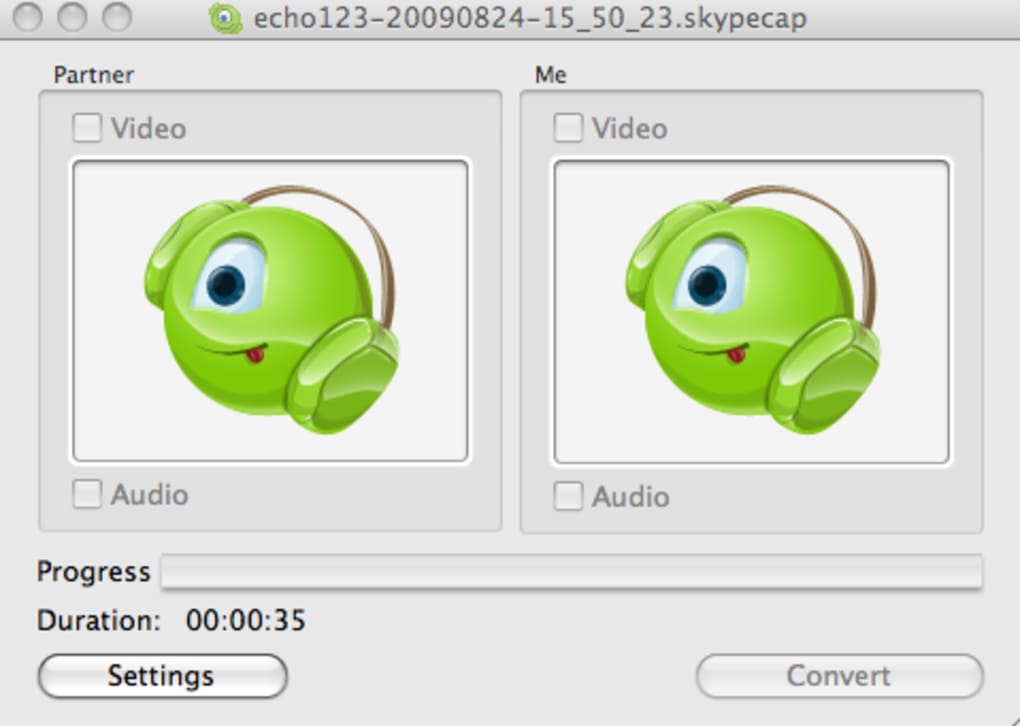
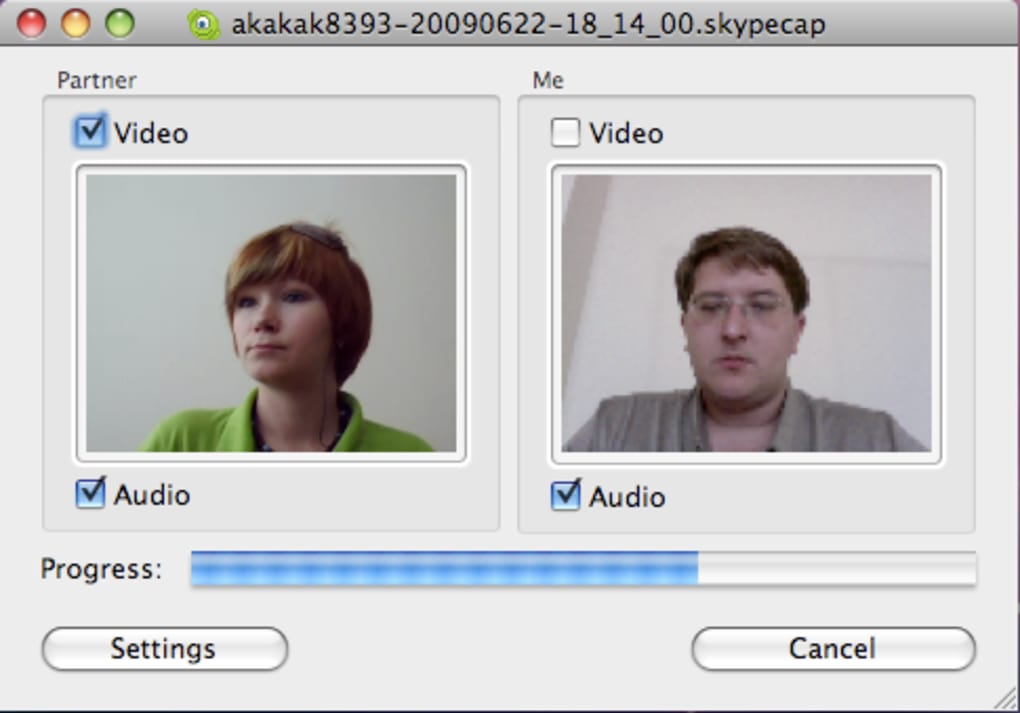
When the call ends, a dialog appears showing the total duration and offering a “Save” button. Click “Save,” choose your preferred format from the dropdown menu, name the file, and confirm. If the call exceeded two minutes, you’ll be prompted to enter a registration key; otherwise, the file saves for free.
The saved file can be opened with any standard media player, and you can further edit or share it as needed.
System Compatibility: SkypeCap supports Windows 7, 8, 10, and 11 (both 32‑bit and 64‑bit) as well as macOS 10.12 (Sierra) and later. The software does not have native Android or iOS versions because it relies on desktop‑level access to Skype’s audio engine. Minimum system requirements include a 1 GHz processor, 512 MB RAM, and at least 20 MB of free disk space for the application itself. For optimal performance, especially when recording high‑resolution video, a dual‑core CPU and 2 GB of RAM are recommended.
Updating SkypeCap is handled via an automatic check each time the program launches. If a newer version is available, a discreet notification appears, allowing you to download and install the update with a single click. Keeping the software up‑to‑date ensures compatibility with the latest Skype releases and introduces occasional bug fixes that improve stability.
Conclusion, Pros & Cons, FAQ & Call to Action
Pros
- Fully automatic start/stop saves time and prevents missed moments.
- Supports a wide array of audio and video formats for flexible playback.
- Lightweight and runs quietly in the background without affecting Skype performance.
- Two‑minute free recording window lets users test the software risk‑free.
- Simple, intuitive interface ideal for non‑technical users.
Cons
- Full functionality requires a paid registration key after the free two‑minute limit.
- Installation may show an unspecified error message, which can be unsettling.
- No native mobile (Android/iOS) version; limited to desktop environments.
- Lacks advanced editing tools; recordings must be edited with third‑party software.
- Occasional compatibility hiccups with the newest Skype updates (typically resolved with patches).
Frequently Asked Questions
Can I record a Skype call without informing the other party?
SkypeCap follows local privacy laws. It will prompt you to grant access when a call starts, but it does not automatically notify the other participant. You should always obtain consent before recording to comply with legal requirements.
What video quality does SkypeCap capture?
The recorder captures video at the same resolution and bitrate that Skype streams during the call. It saves the feed in the selected output format without additional compression, preserving the original quality.
Is there a way to record multiple Skype calls simultaneously?
SkypeCap is designed to handle one active call at a time. If you need to record concurrent sessions, you would have to run separate instances on different user accounts or use a more advanced recording suite.
How do I purchase a registration key?
After a call exceeds two minutes, the Save dialog displays a “Purchase License” button. Clicking it opens the official store page where you can buy a single‑user key using PayPal or credit card. The key is then entered into the application to unlock unlimited recording.
Will SkypeCap work with the new Skype for Business client?
SkypeCap is built specifically for the consumer version of Skype. While it may capture audio from Skype for Business, full video support is not guaranteed. For business environments, consider a dedicated enterprise recording solution.
In summary, SkypeCap delivers a no‑frills, dependable method to archive your Skype conversations across both audio and video formats. Its automatic operation, format versatility, and modest system requirements make it a strong candidate for anyone who needs a reliable recorder without the clutter of advanced editing suites. Although the free tier is limited and a registration key is required for longer sessions, the modest price point and straightforward licensing model keep the cost low for frequent users. If you value a secure, easy‑to‑use tool that captures every nuance of your Skype calls, give SkypeCap a try today.
Ready to start recording? Download SkypeCap now, test the two‑minute free window, and secure your conversations with a single click.







